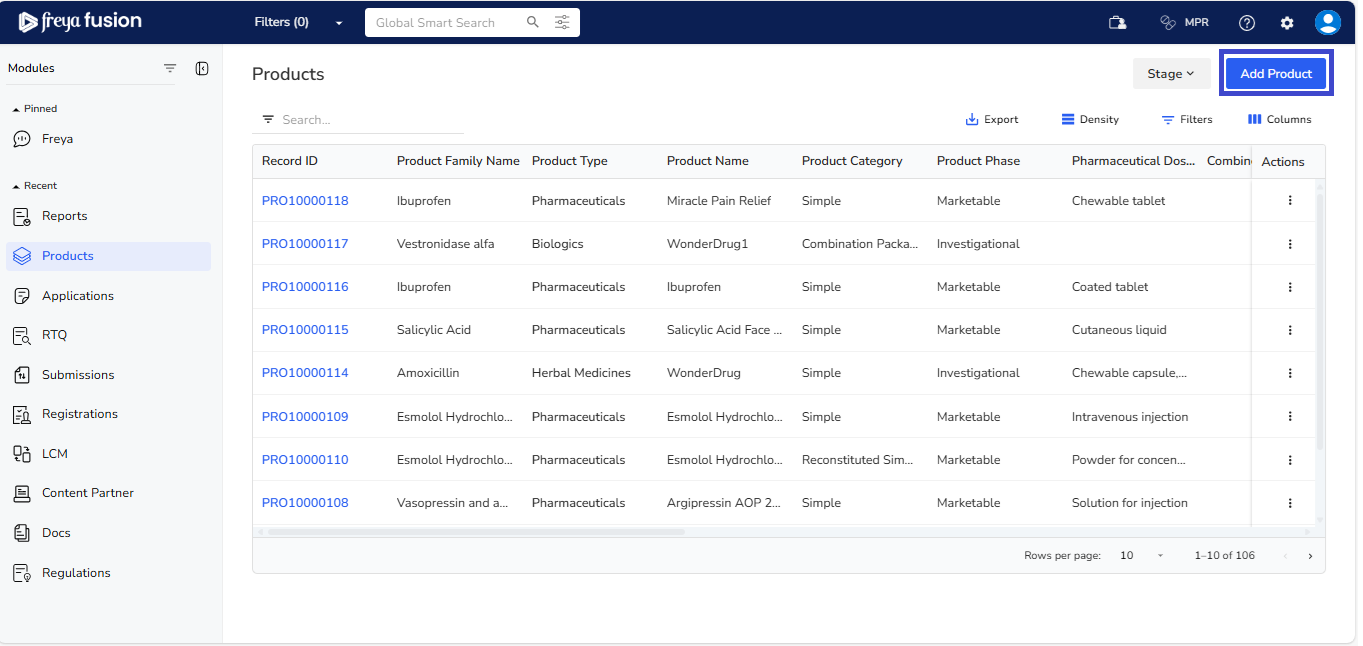
Add Product
Add a Product
- Click Add Product.
- Enter the required product information and Click Save.
- You will be redirected to the Product List Page.
Add Additional Product Information
After adding a product, you can include more details such as Protocols, Compositions, Active Ingredients, Trade Name, and more.
To add this additional information:
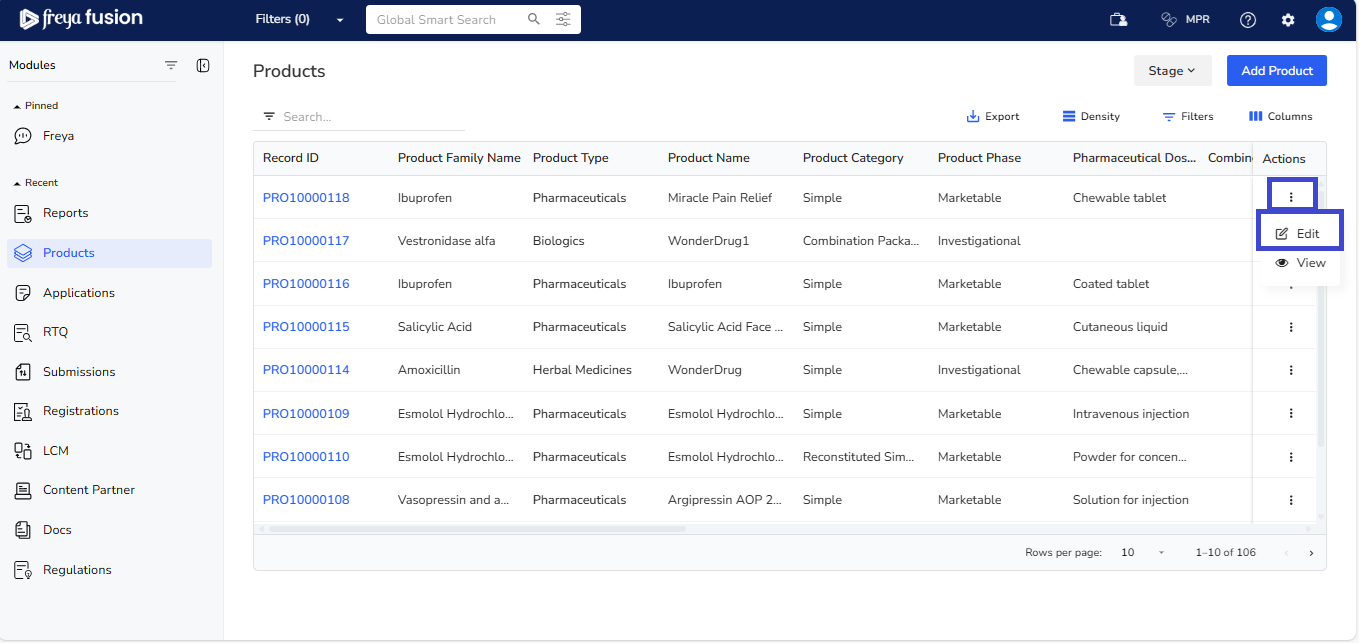
- On the Product List page, click Actions next to the desired product record.
- Select Edit from the dropdown.
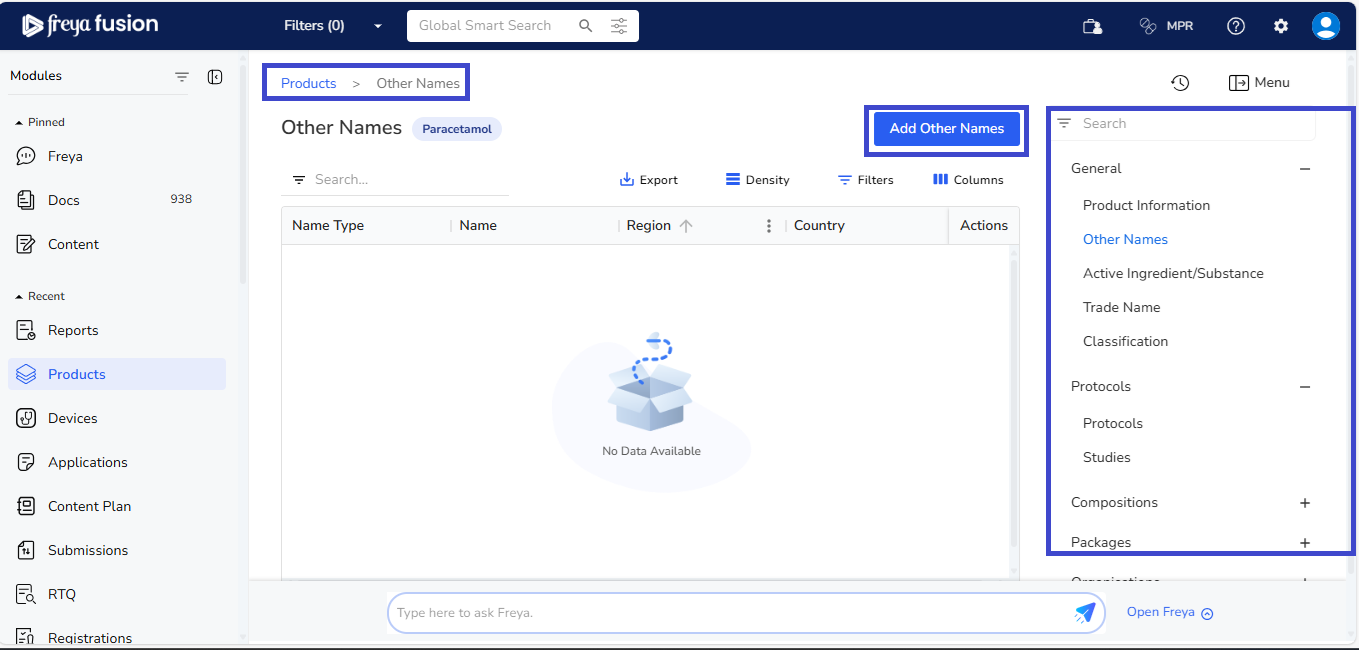
- You’ll be taken to the Edit Product page.
- Use the right-hand navigation menu to open sections like Protocols, Compositions, etc.
- Click the Add button above the list to enter new information.
- To add more entries, simply click the Add button again.